How to Install Go and Set Path for Global Accessibility in Linux

How to Install Go and Set Path for Global Accessibility in Linux
In this blog/Article I am going to show you how you can install Go language and set path for Global Accessibility.
1. Download and Install Go
1. Visit the official Go website: Here.
2. Download the installer for your operating system:
- Linux: Download the
.tar.gzfile. - Windows: Download the
.msifile. - macOS: Download the
.pkgfile.
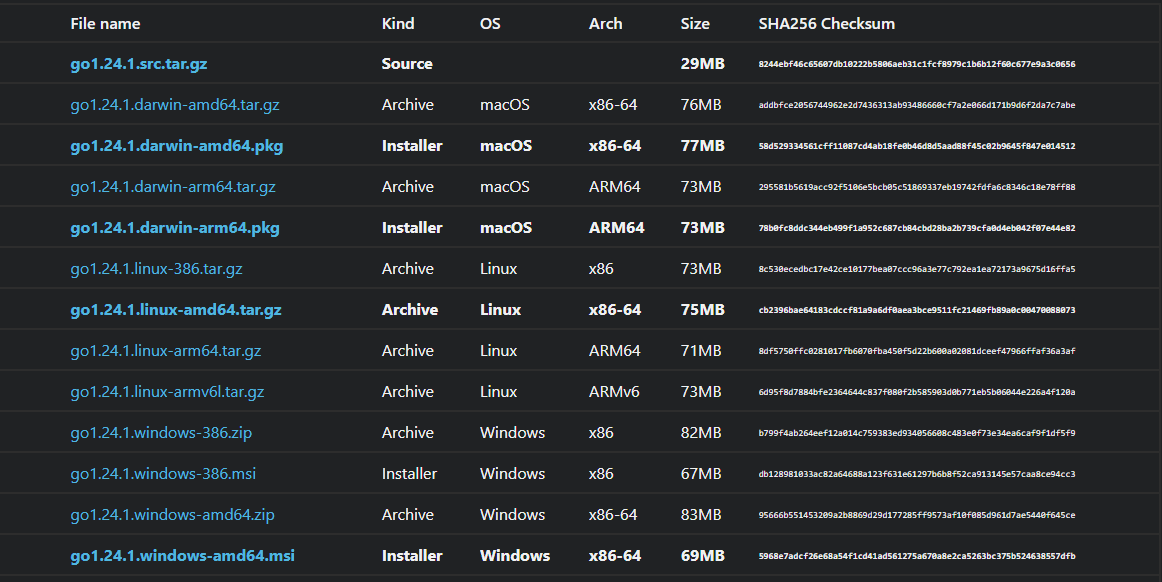
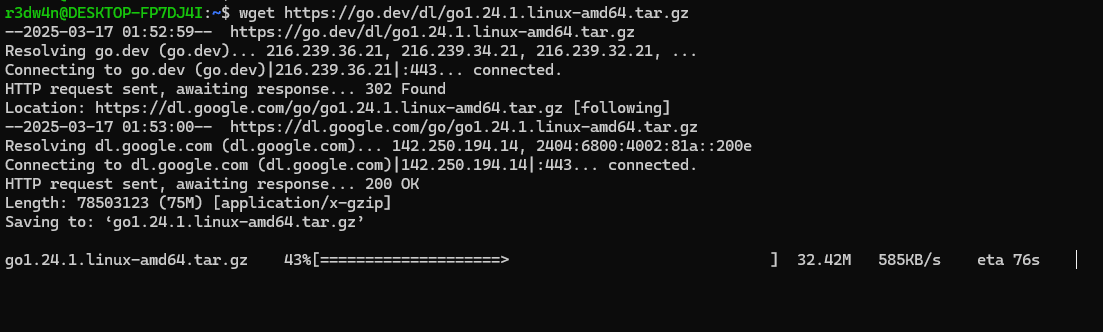
Or you can just use wget command.
1
wget go1.xx.x.linux-amd64.tar.gz
3. Install Go:
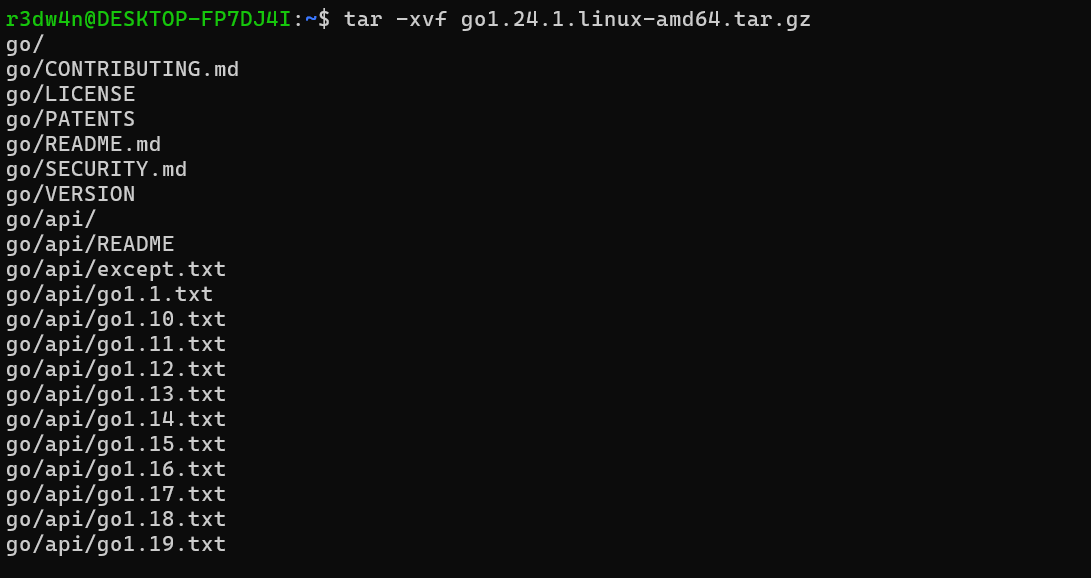
- Linux: Extract the archive and move it to
/usr/local:1 2
tar -xvf go1.xx.x.linux-amd64.tar.gz sudo mv go /usr/local
- Windows: Run the
.msiinstaller and follow the instructions. - macOS: Run the
.pkginstaller and follow the instructions.
2. Configure PATH Environment Variable
Linux/macOS
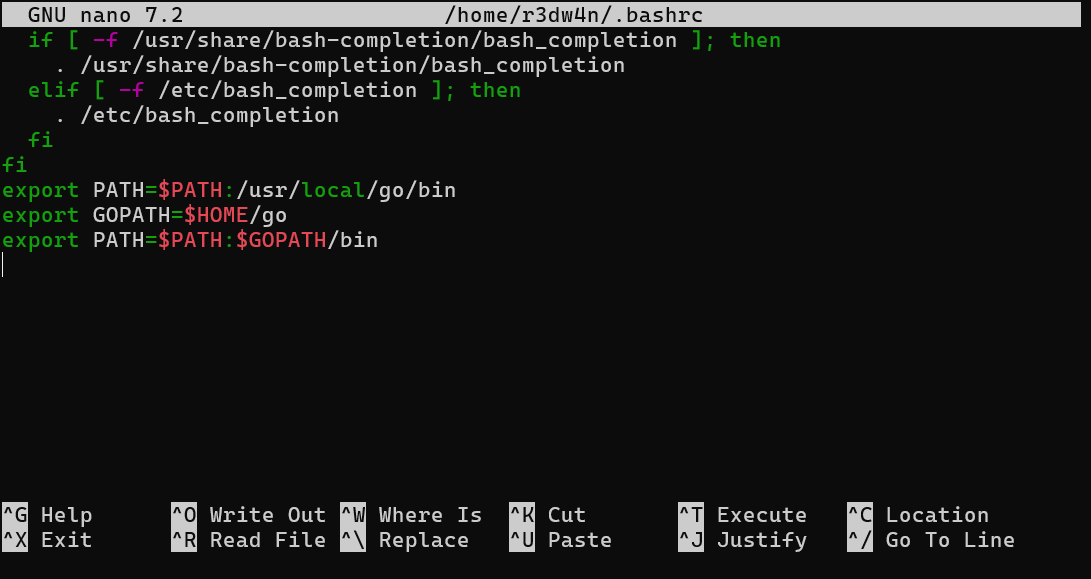
1. Edit your shell configuration file (e.g., .bashrc, .zshrc, or .bash_profile):
1
nano ~/.bashrc
2. Add the following lines to set the Go environment variables:
1
2
3
export PATH=$PATH:/usr/local/go/bin
export GOPATH=$HOME/go
export PATH=$PATH:$GOPATH/bin
3. Save using Ctrl + O and close Ctrl + X the file, then reload it:
1
source ~/.bashrc
Windows
- Open the System Properties → Advanced → Environment Variables.
- Under System Variables, find
Pathand click Edit. - Add the following paths:
C:\Go\bin(or wherever Go is installed).%USERPROFILE%\go\bin(for installed tools).
- Click OK to save and apply changes.
3. Verify Go Installation
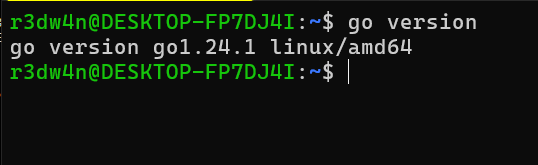
Run the following command to verify that Go is installed correctly:
1
go version
Tips
- Keep Go updated for the latest features and security patches.
- You can manage multiple Go versions with tools like GVM for Linux/macOS or GVM for Windows.
If you have any Query fill free to ask me on linkedin. LinkedIn : r3dw4n
This post is licensed under CC BY 4.0 by the author.